CUSTOMISATION
Customise Sendatradie for How You Work
Make the software fit your business, not the other way around. Your terms, your fields, your branding and your rules.
✓ 14-day free trial✓ No credit card✓ Free migration

CUSTOMISATION
Make the software fit your business, not the other way around. Your terms, your fields, your branding and your rules.
CUSTOM SETTINGS
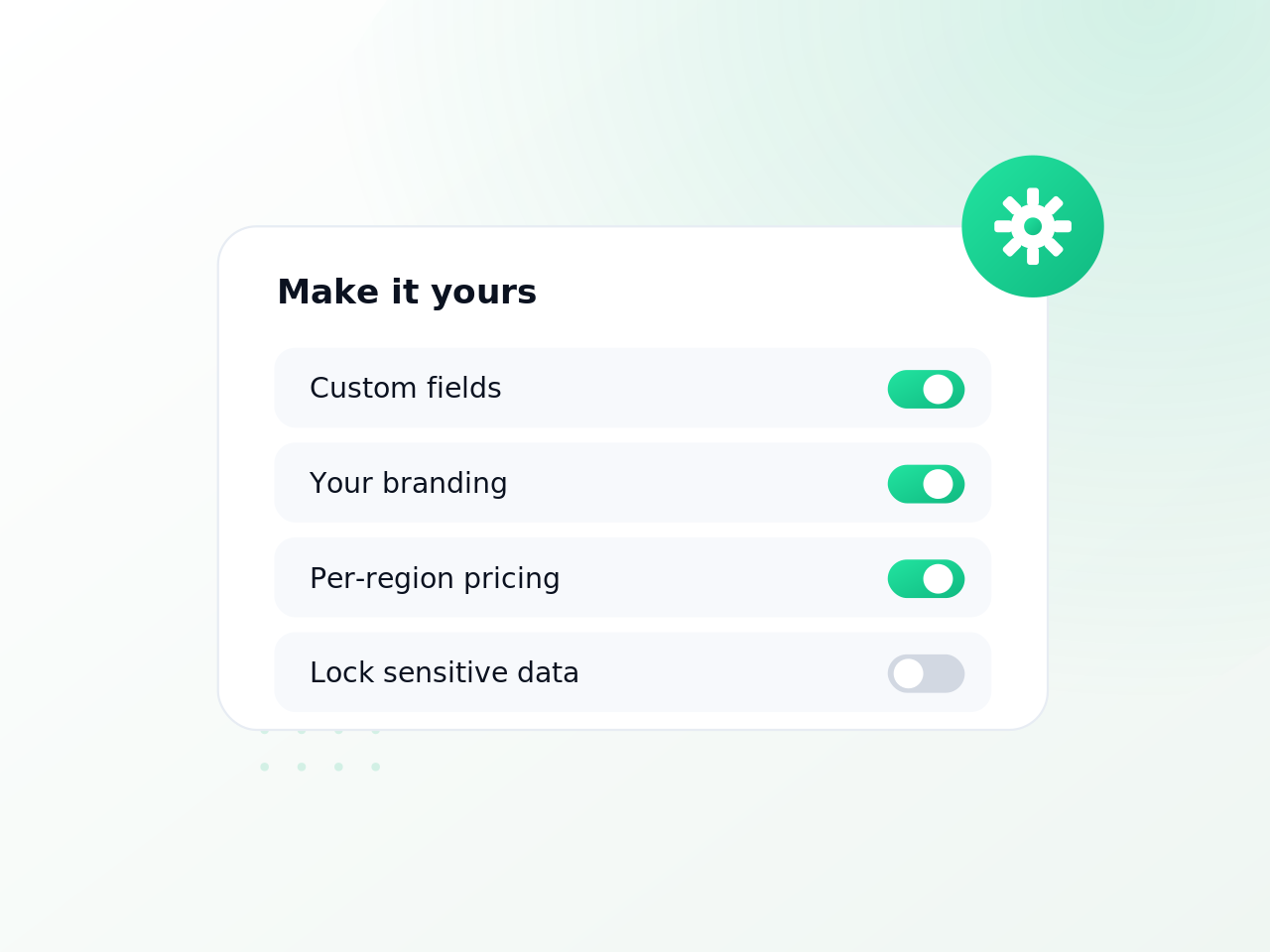
Sendatradie can be configured to match how your trade business actually works, with your own field names, custom data, branding and per-region rules, so the software fits you rather than the other way around.
YOUR TERMS
Rename statuses, job types and fields to match the language your business already uses, so nothing feels foreign.

CUSTOM FIELDS
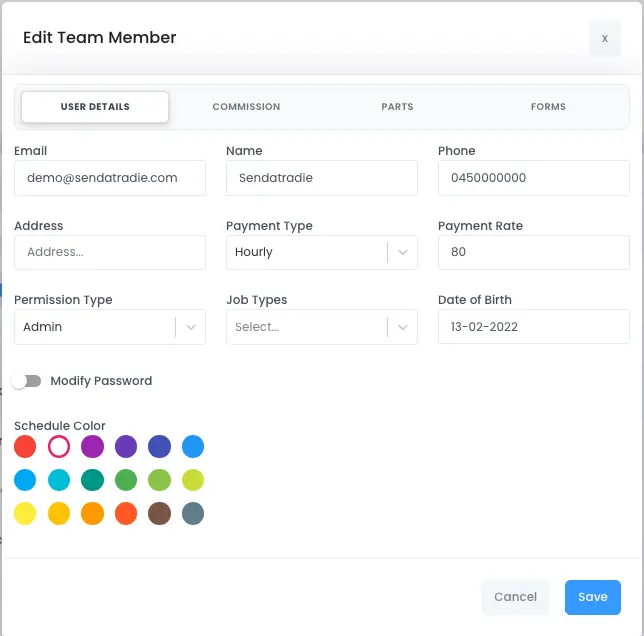
Add custom fields to jobs, customers and forms so you record exactly the information your trade depends on.
YOUR BRAND
Put your logo, colours and voice on quotes, invoices and messages so every customer touchpoint is yours.

RULES & ROLES
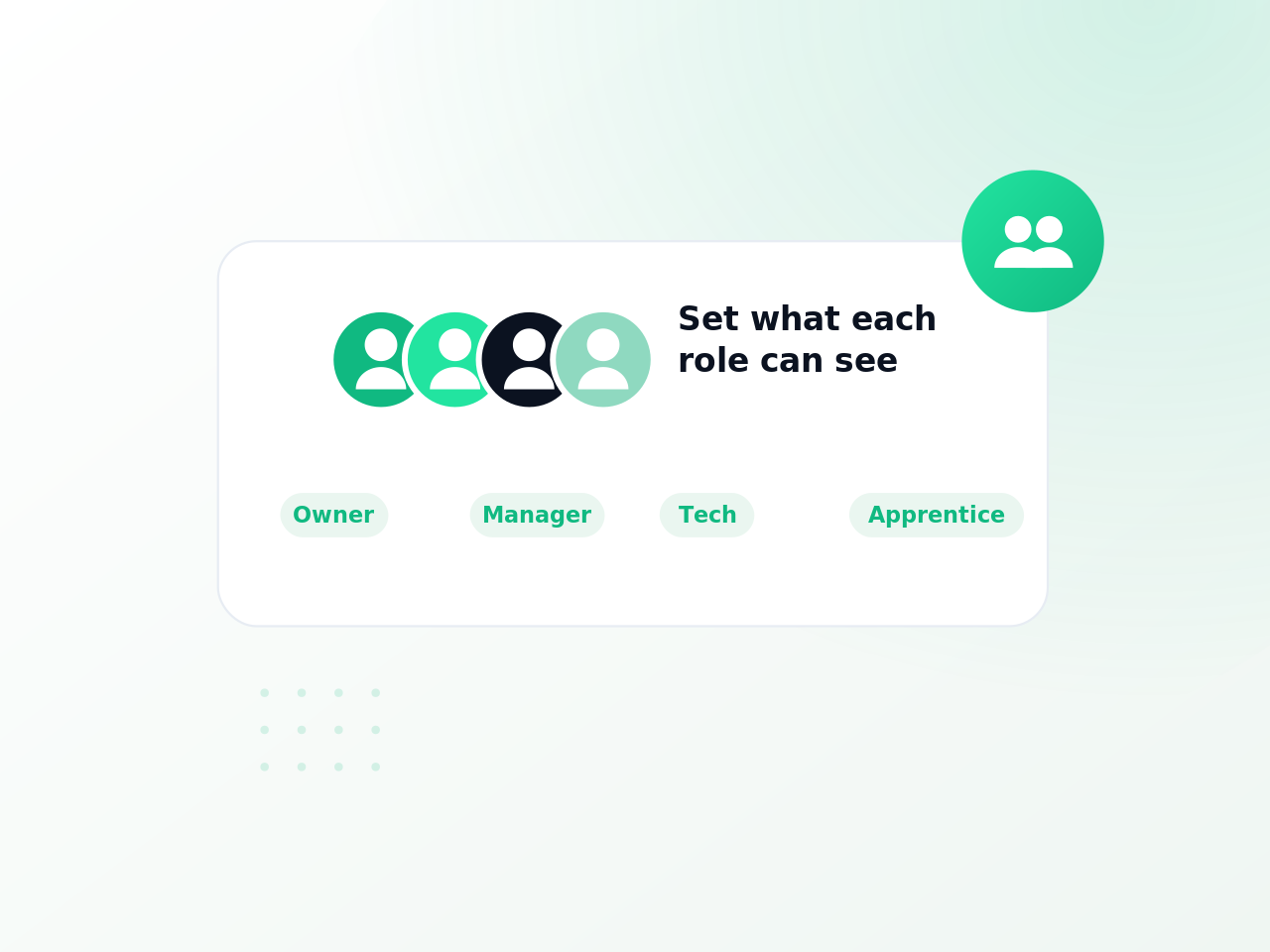
Set rules and rates per region and lock the settings that matter, so the system runs your way every time.